ONSITE IT SUPPORT & SMART HANDS
Put hands-on IT help where your team needs it.
ALL I.T. coordinates and carries out troubleshooting, equipment changes and planned visits across your locations, working from your runbook or alongside your remote engineers.
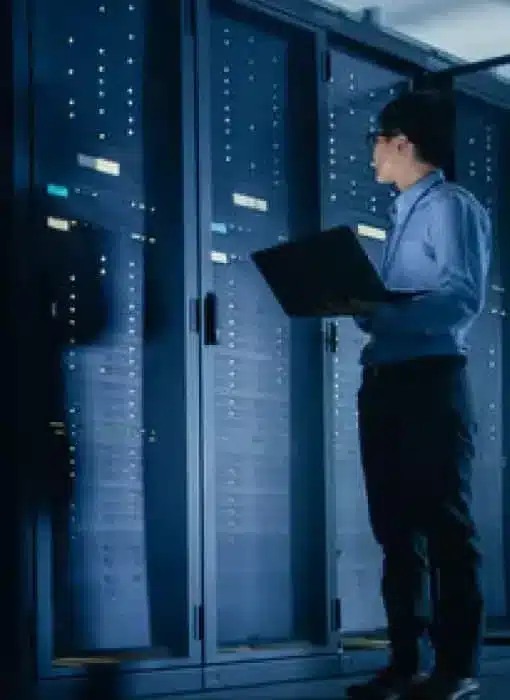
Keep the next step from waiting on someone onsite.
When the work needs physical access, your team needs more than a technician’s name. We bring the visit, site contact and hands-on tasks together.
Extend your remote team
Get help at the rack, desk or equipment room while your engineers direct diagnosis and technical decisions.
Spend less time arranging visits
Work with one coordination team for scheduling, site access and updates across the locations you support.
See what happened at the site
Use the work notes, agreed checks and open issues to decide whether the ticket can close or needs another step.
Hands-on support for the work remote tools cannot reach.
Use a single assignment, recurring visits or a project. The tasks and technical support are matched to the job.
Troubleshooting & physical checks
Inspect equipment, trace connections and work through diagnostic steps with your remote team.
Equipment installs & swaps
Install or replace approved devices, reconnect them and complete the agreed checks.
Workstations & peripherals
Set up equipment, help with handovers and carry out your team’s approved repair or recovery steps.
Server & network smart hands
Provide console access, power checks, approved reboots and physical work at the rack.
Site records & inventories
Gather photos, equipment identifiers and site information needed for the assignment.
Planned local coverage
Bring routine tasks or temporary onsite assistance into a defined visit or support schedule.
Match the onsite work to the ticket.
A fault investigation and an engineer-directed task need different preparation. We agree the work and checks so your team can use the visit result to decide what happens next.
| Visit type | Prepare for the technician | Agree the return record |
|---|---|---|
| Incident support | Affected devices, symptoms, previous troubleshooting, available parts and a user who can reproduce the issue. | Findings, actions and functional checks, with the outcome recorded as restored, a workaround or unresolved. |
| Smart hands or remote hands | Asset and port references, the task sequence, console adapters, permissions and a reachable remote engineer. | Directed actions, observed readings, agreed photos and the engineer’s validation; failed or deferred steps stay visible. |
For either visit, identify who can approve downtime, extra work or a stop. POS and other specialist devices need confirmed skills and vendor participation. We record the remaining action and its owner when a part, carrier or application issue needs follow-up.
See the support catalog entries for scope and deliverables, or data center onsite support for work inside a controlled server or equipment facility.
Start with the work that needs a visit.
Your team keeps technical direction. We coordinate and perform the accepted onsite tasks.
1. Share the task and location
Tell us what needs to happen and when. Include the information your service desk already has.
2. Agree the visit
We review coverage, skills, access, technical support and pricing, then confirm the assignment.
3. Complete the onsite work
We carry out the agreed tasks and return the work notes, checks and outstanding items.

PROJECT EXAMPLE
Antivirus rollout for Thrive Pet Care
More than 1,500 devices updated within four months, with local technicians and site visits coordinated alongside Thrive’s central IT team.
Questions before you plan the work.
Can you follow our runbook or join a remote engineer?
Yes. Share the instructions and explain where live technical direction is needed. We review the tasks, access and support before the visit.
Can one visit include several tasks?
Yes, when the tasks fit the agreed time, skills and site arrangements. Tell us the priorities so the visit can be planned around them.
How quickly can someone attend?
Send the location and required timing. We confirm the arrival commitment for the assignment; arrival time and resolution time are separate.
Recurring Onsite Support
Choose a useful cadence for work that can be grouped into planned visits.
Network & Wireless Installation
Carry out a physical network change with remote engineering support.
LET’S PLAN THE ONSITE WORK
Get the onsite task moving.
Share the location, work and preferred timing. We’ll follow up about coverage, scope and the next step.
Start with the details you have.
Have site or vendor requirements? Include the information already available.
"*" indicates required fields
Your details will be used to respond to your inquiry. Privacy policy.

ALL I.T. coordinates and carries out onsite IT work for multi-location businesses and MSPs across the U.S. and Canada.
© 2026 ALL I.T. · Privacy policy